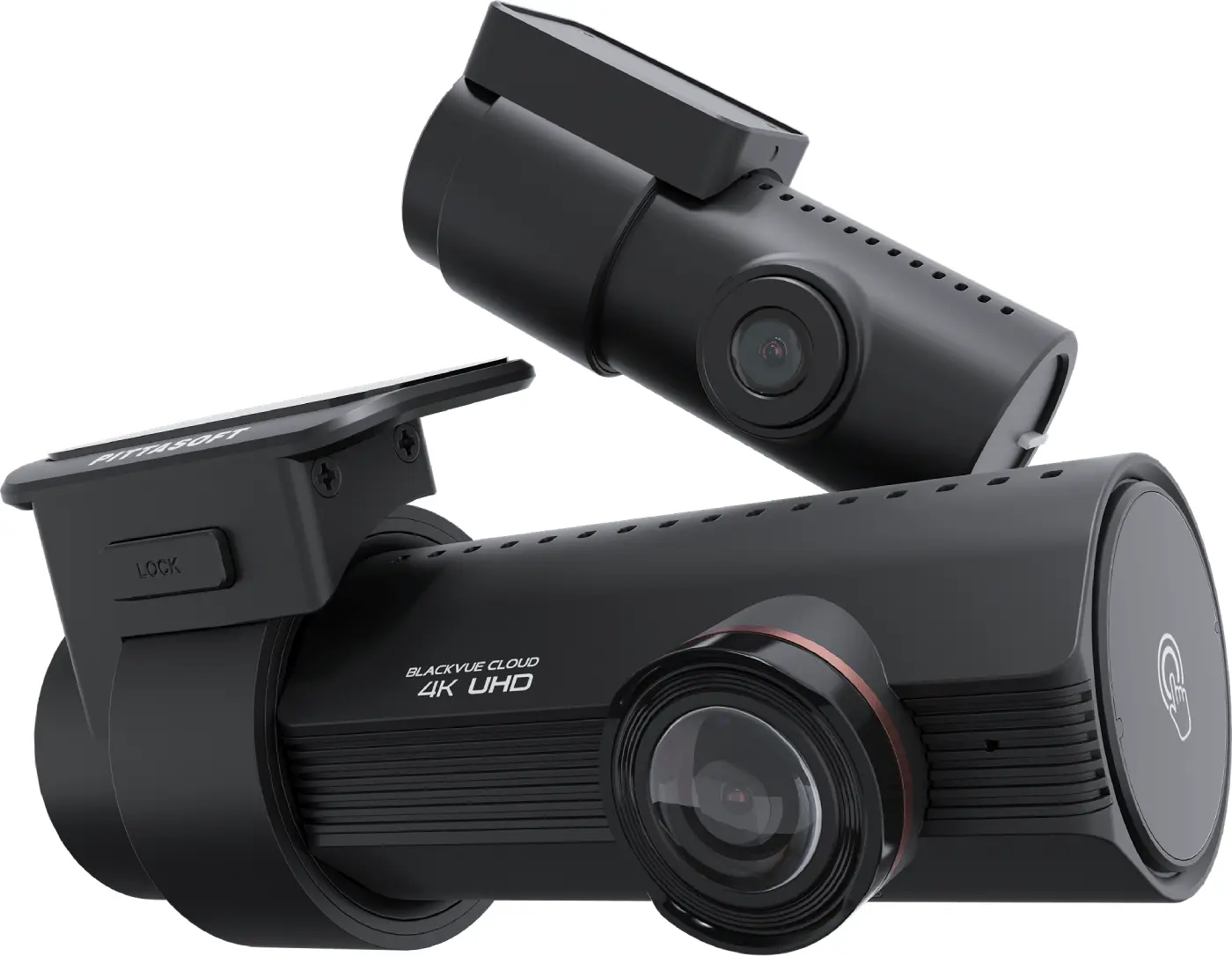
 premium
DR970X-2CH Plus II
The premium DR-series two-channel model below the Elite range, with a 4K front camera.
Who it is for: Drivers wanting 4K front and BlackVue Cloud one step below the Elite range.
Specifications
| Configuration | Front + rear |
|---|---|
| Front camera | True 4K UHD (3840x2160) at 30fps, Sony STARVIS 2 8.4MP CMOS sensor, 146 degree diagonal field of view (horizontal 125, vertical 68) |
| Rear camera | Full HD (1920x1080) at 30fps, Sony STARVIS 2.1MP CMOS sensor, 131 degree diagonal field of view (horizontal 107, vertical 55) |
| Brand | BlackVue |
| Model | DR970X-2CH Plus II |
Key features
- True 4K front on a Sony STARVIS 2 sensor, so number plates stay readable when a car passes quickly
- Full HD rear channel to cover what happens behind the car
- Built-in dual-band Wi-Fi (2.4GHz and 5GHz) for faster clip transfers to your phone
- Built-in GPS logs time, speed and route on every clip
- Parking mode with impact and motion detection for when the car is left unattended
- Super capacitor instead of a battery, which handles heat better in a parked car
In plain English
The DR970X-2CH Plus II is the premium camera in BlackVue's DR range, sitting just below the Elite models. The front camera records true 4K on a Sony STARVIS 2 sensor, so plates and detail stay sharp, and the rear channel records Full HD to cover the back of the car. It has built-in dual-band Wi-Fi and GPS, plus a parking mode that watches for impacts and motion while the car is left. BlackVue uses a super capacitor rather than a battery, which copes better with the heat inside a parked car. This is the pick for a buyer who wants strong front footage and BlackVue Cloud without going to the Elite tier.
Have it hardwired and configured by us
Supply is only half the job. We fit the BlackVue DR970X-2CH Plus II on the bench, hardwire it for parking mode, hide the cabling and set up the app before you drive out.